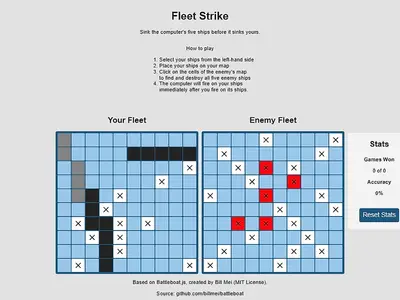
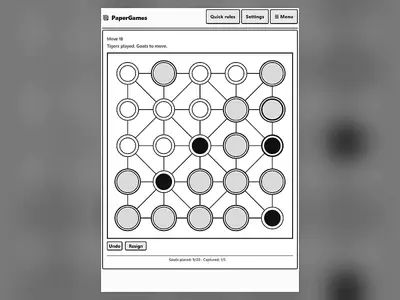
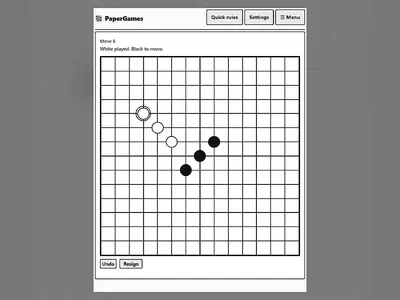
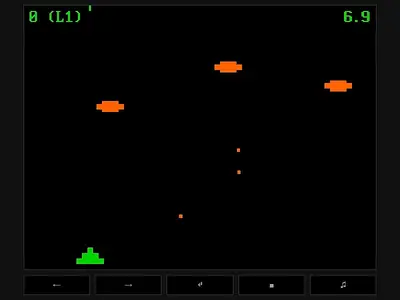
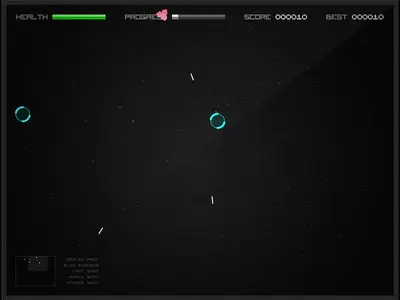
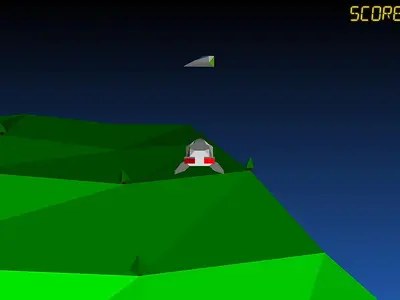
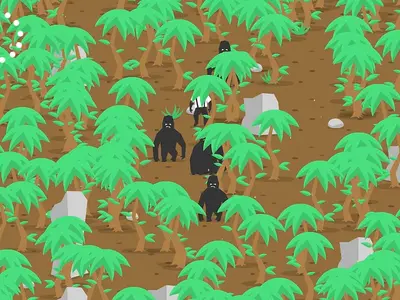
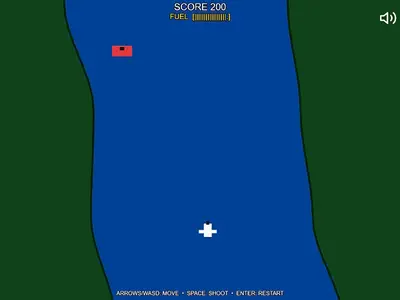
What FreezeNova Is
FreezeNova is a free games website built around one simple promise: the game you click is the game that loads, straight from freezexnova.com. There are no redirects to other portals, no installers and no logins. Open a page, hit the round play button and the game boots inside the page in a few seconds.
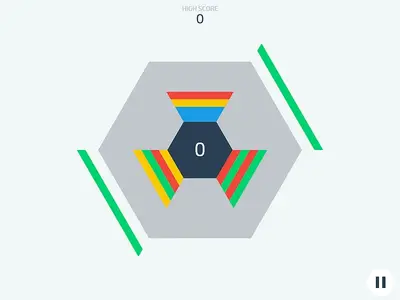
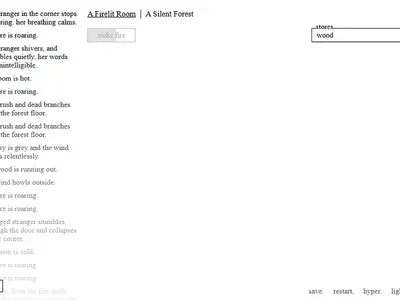
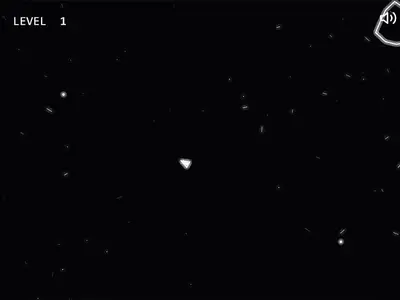
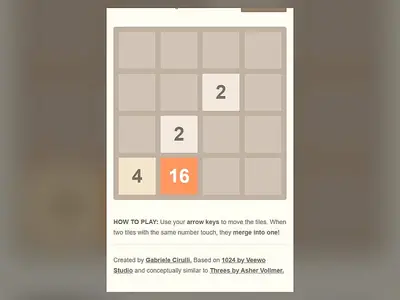
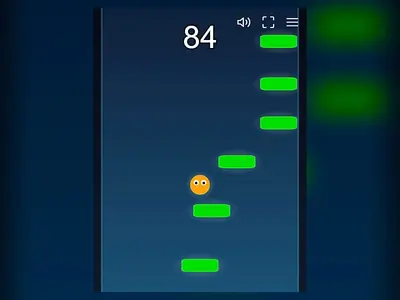
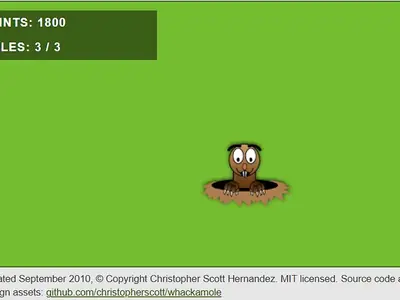
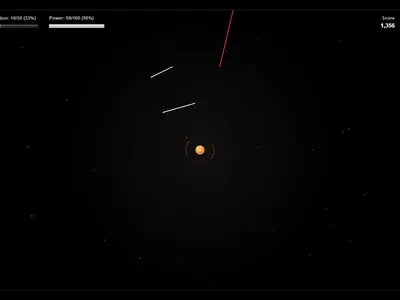
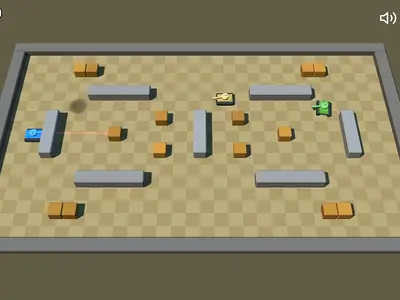
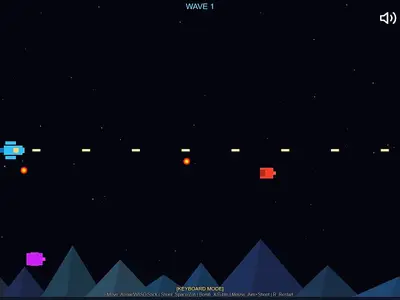
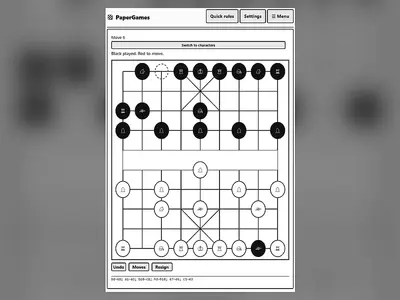
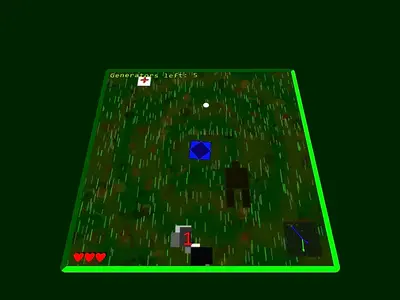
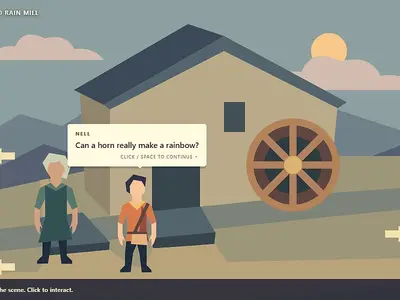
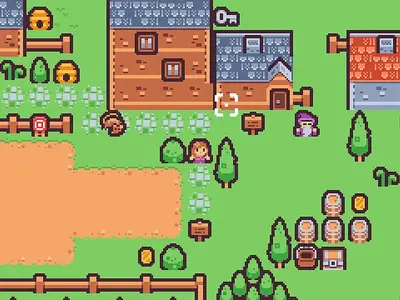
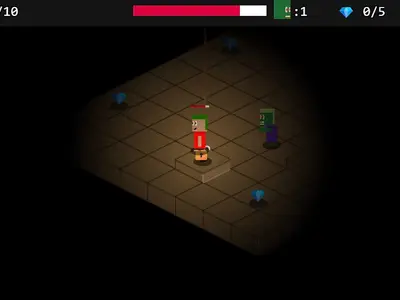
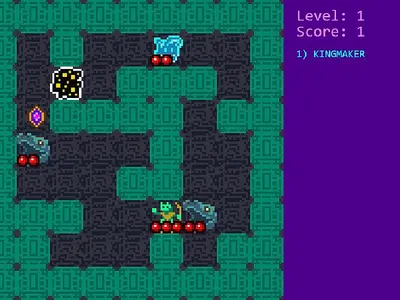
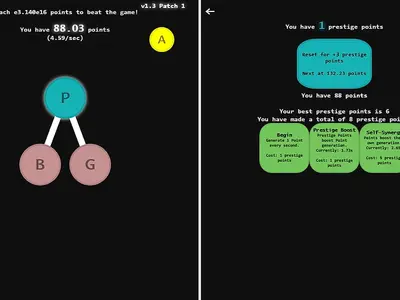
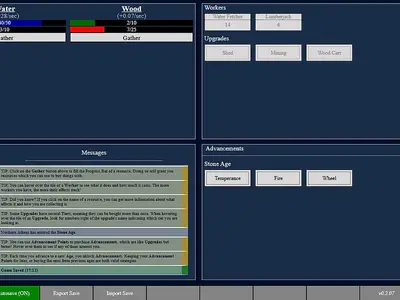
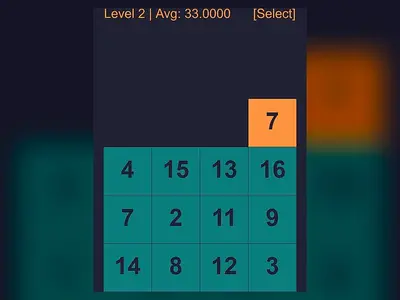
The library holds more than 170 HTML5 games across nine categories. Some are quick five-minute distractions, like merging tiles in 2048 or swinging a hexagon in Hextris. Others can fill a whole evening, such as the slowly unfolding story of A Dark Room or a full game of Chess vs Computer. Every title on FreezeNova is open source, credited to the people who made it, and hosted by us.
How Unblocked Games Work on FreezeNova
People look for unblocked games when a network filter stands between them and a quick break. Many filters work by blocking the large commercial portals and the ad and tracking domains those portals depend on. FreezeNova avoids that dependency entirely. Each game’s HTML, scripts, images and sounds sit in a folder on our own server, and the game page simply frames that folder.
That design has a few practical effects:
- No third-party game servers. If an outside company shuts a server down, nothing on FreezeNova breaks.
- No plugins. Everything is plain HTML5, JavaScript and canvas, so locked-down Chromebooks and work laptops can run it.
- Fast first load. Game files are small, cached and compressed, and they only download after you press play.
We also want to be straight with you about the limits. FreezeNova cannot slip past a filter that blocks game sites by category, and we don’t try to. If your school or employer blocks the site, follow their rules. Your saved scores will still be here at home.
Pick a Category
Not sure what you’re in the mood for? Each category page explains its games and helps you choose.
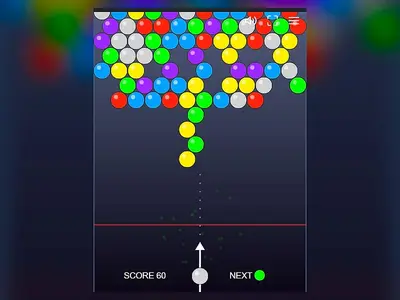
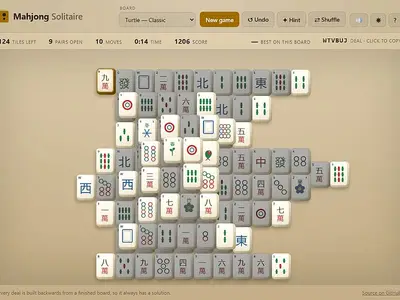
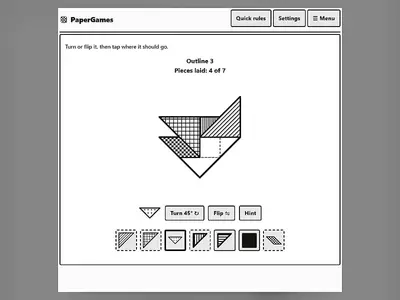
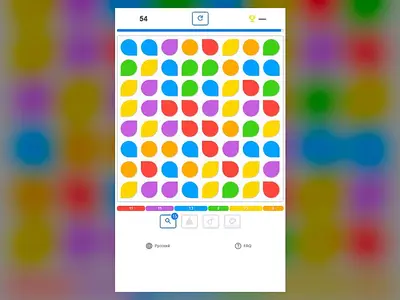
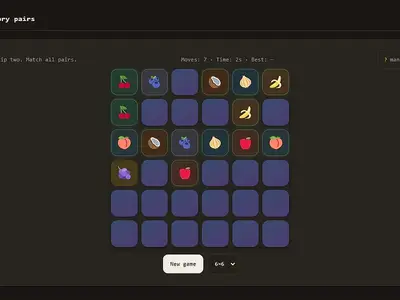
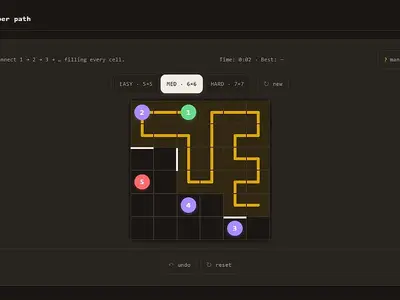
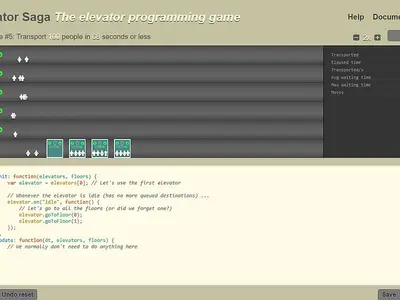
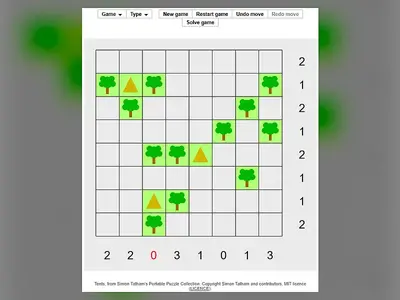
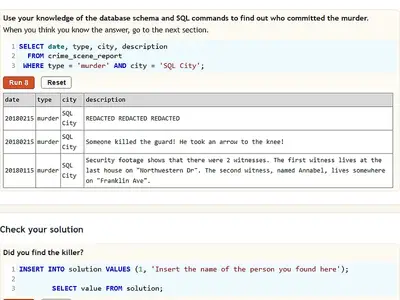
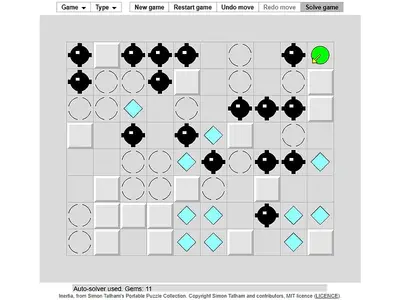
- Puzzle games form the biggest shelf on FreezeNova: number merges, logic grids, pipe puzzles, mahjong tiles and even coding challenges like CSS Diner.
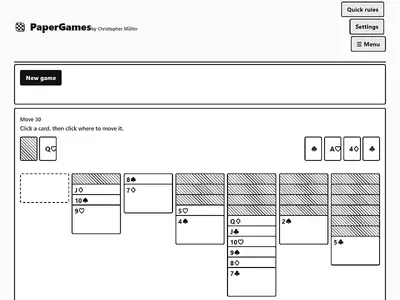
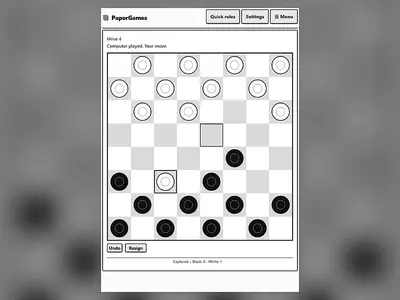
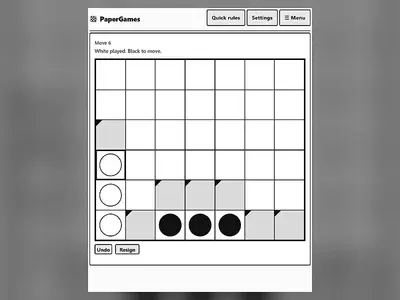
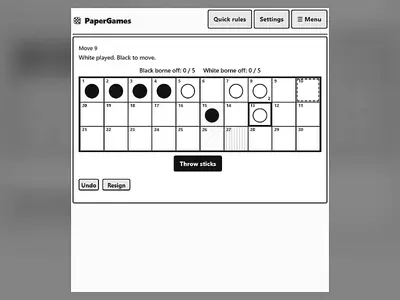
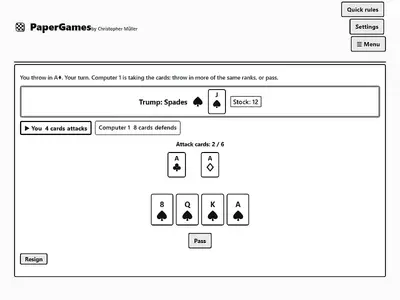
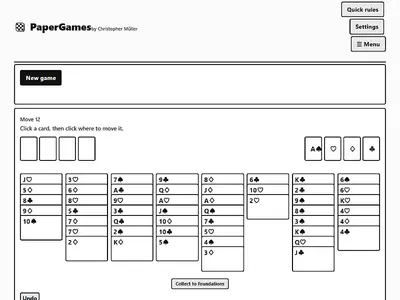
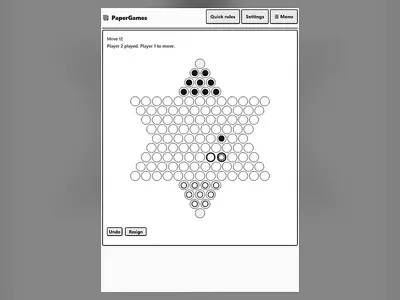
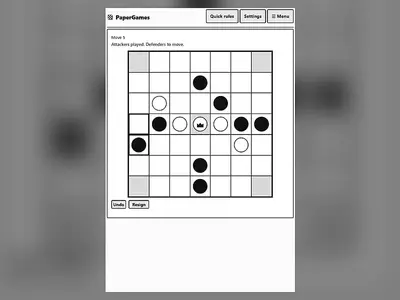
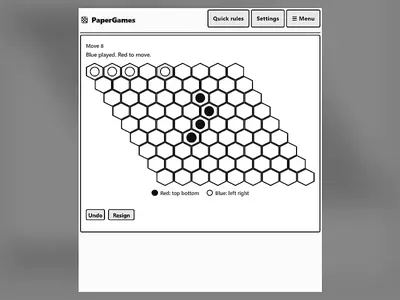
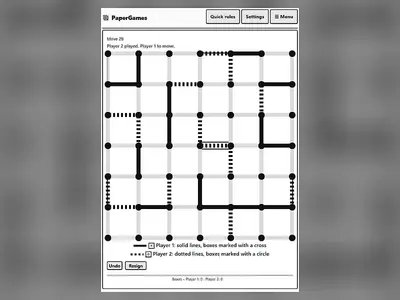
- Card and board games cover solitaire, chess, checkers, backgammon, mancala and ancient games such as the Royal Game of Ur, many with a computer opponent.
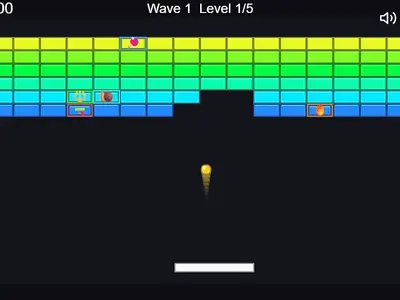
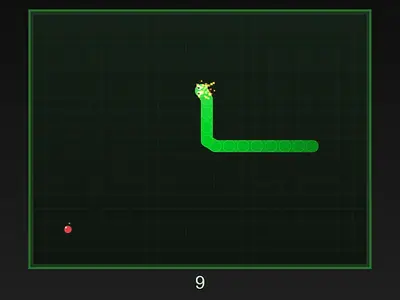
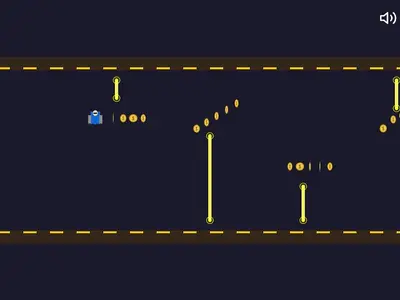
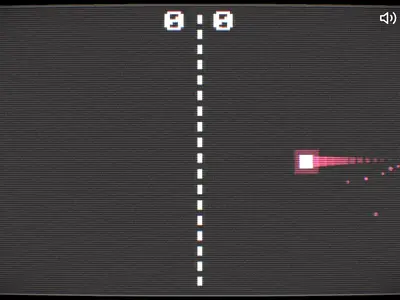
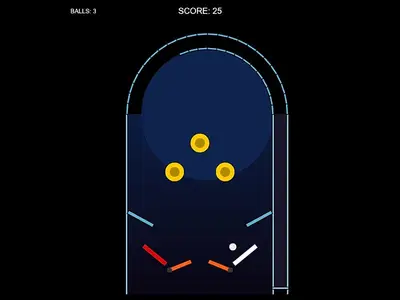
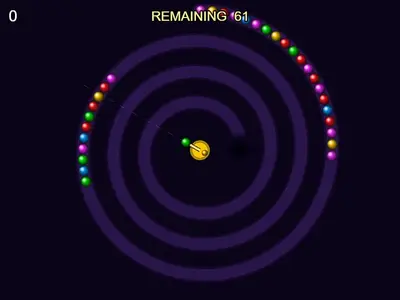
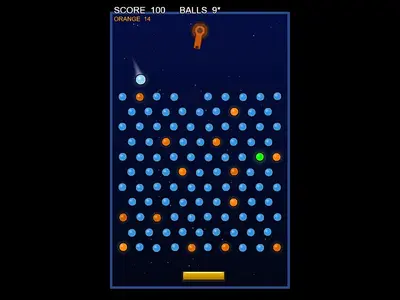
- Arcade games are short score-chasing runs: shooters, paddle games, pinball and reflex tests.
- Action games turn up the pressure with swarms of enemies, boss fights and twitchy platforming.
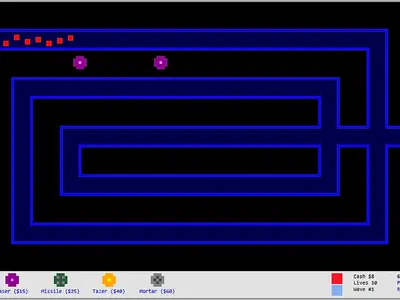
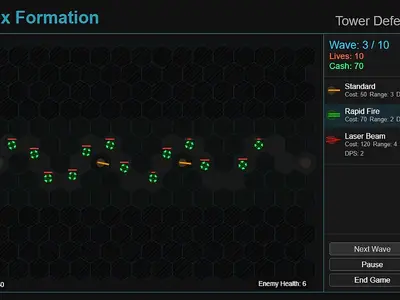
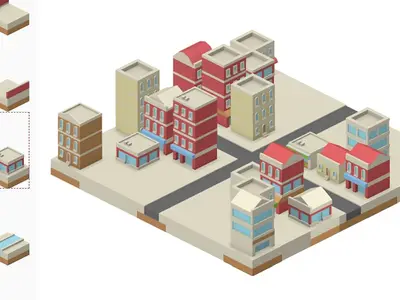
- Strategy games reward planning, from tower defense to city building and territory wars.
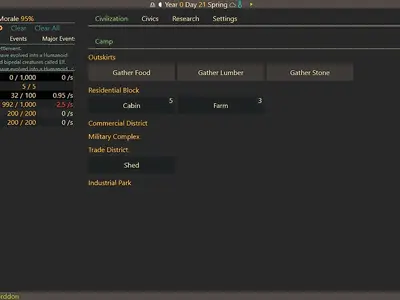
- Adventure games are about exploring rooms, dungeons and stories at your own pace.
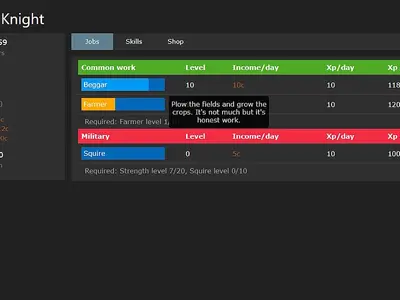
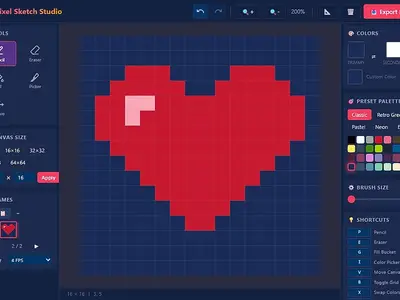
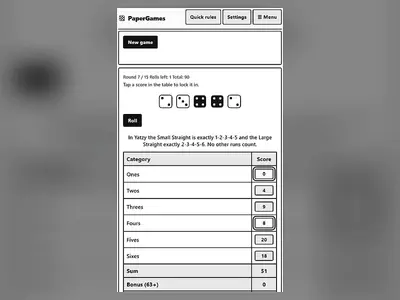
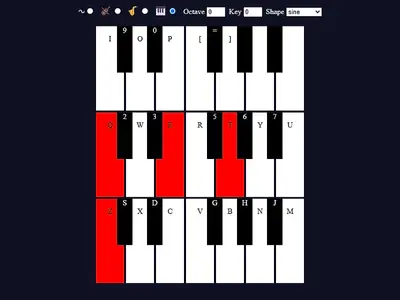
- Casual games are easy to start: idle games, quick maths, a pixel art editor and a tiny synth.
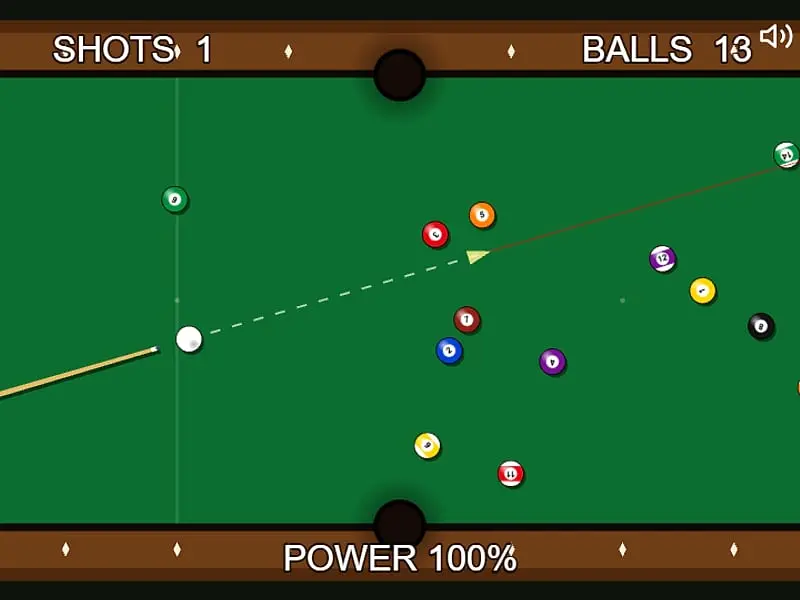
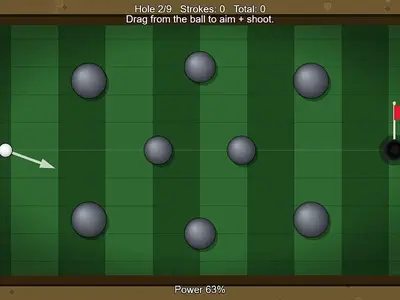
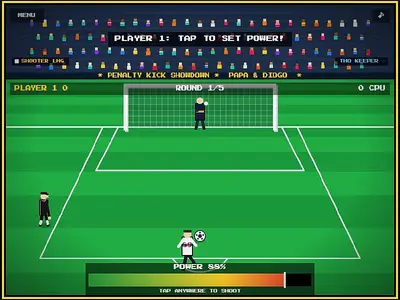
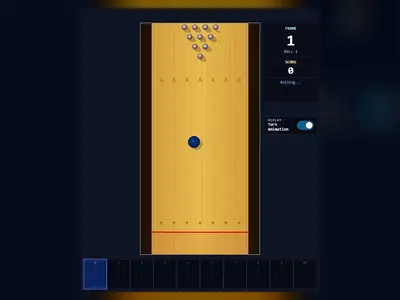
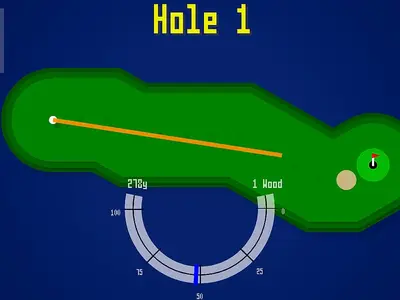
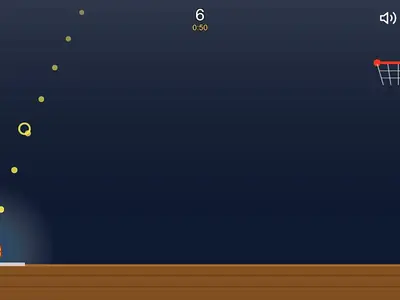
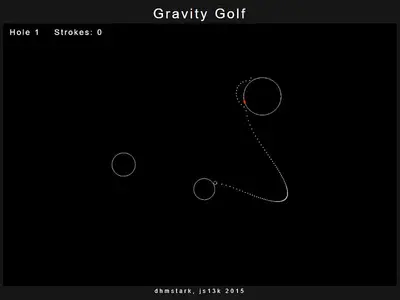
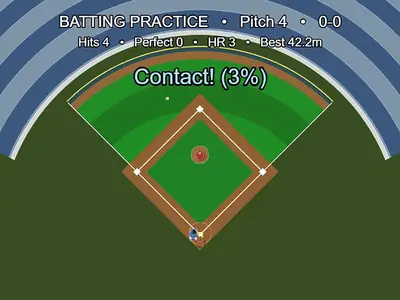
- Sports games test aim and timing with golf, pool, bowling, archery and penalty kicks.
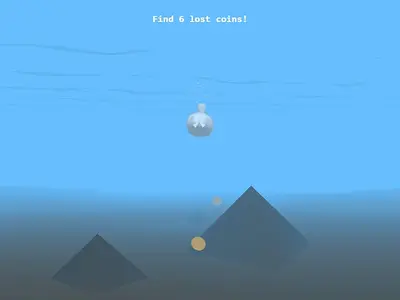
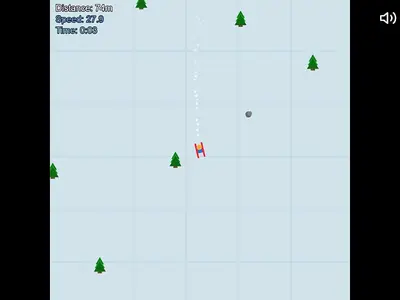
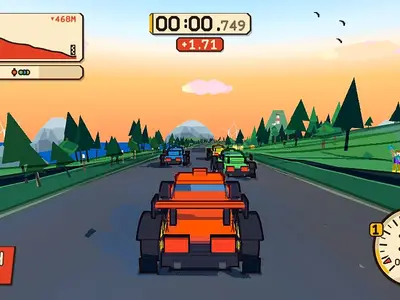
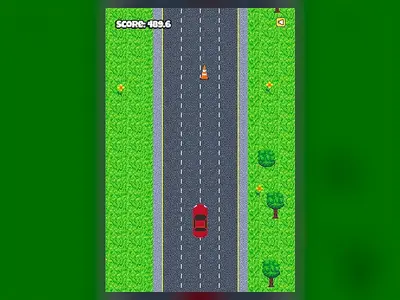
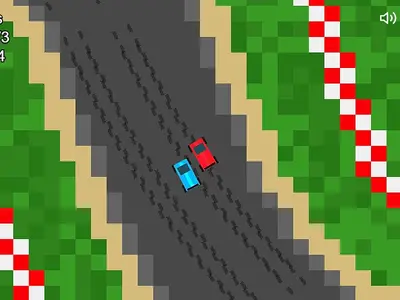
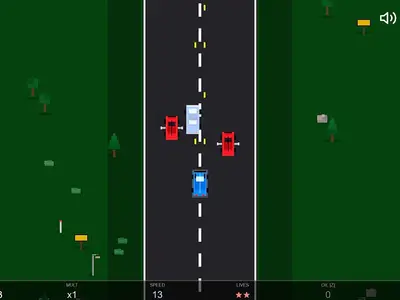
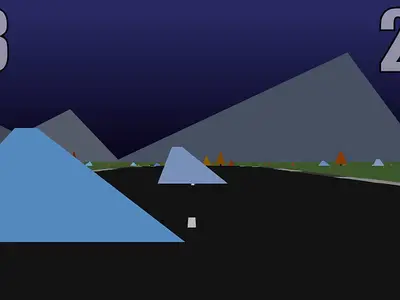
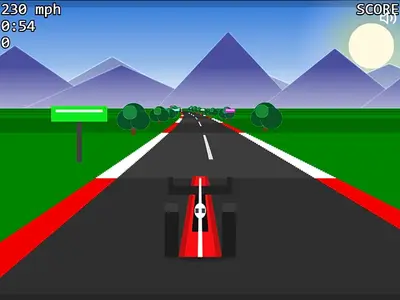
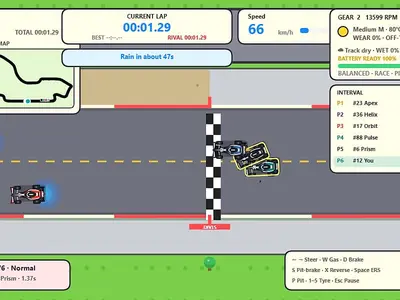
- Racing games range from top-down circuits to a 3D mountain descent.
If you’d rather scan everything at once, the A–Z list of all games shows every title on a single page.
Starting a Game in Three Steps
- Find something. Use the search bar at the top, tap a category chip, or press the Random game button on this page.
- Press play. The cover image turns into the live game. Click or tap once inside it so it receives your keyboard input.
- Go big. The Full screen button fills your display. On phones, games built for a wide view feel much better turned sideways.
Each game page then tells you everything you need: a short answer to what the game is, a controls table for keyboard, mouse and touch, strategy notes written for that game, and a set of questions players often ask.
What Makes FreezeNova Different
Lots of sites list free games. FreezeNova was built around a few rules we don’t bend.
Open licenses only. We only host games whose code and art were released under an open license, such as MIT, BSD, Apache, GPL or Creative Commons. Every page names the author, links the original source code and states both licenses. The full list lives on the credits page.
Self-hosted, every time. No game on FreezeNova is an embed from another portal. That keeps pages quicker, keeps your browsing private and means a game can’t quietly be swapped for something else.
Written by players, for players. Every game page is written by hand after playing the game. You’ll find real controls, honest notes about phone support and tips that come from actually losing a few rounds, not filler.
Clean pages. The games contain no ads or trackers of their own, and the site doesn’t need an account, an email address or any personal data to work.
Playing Together
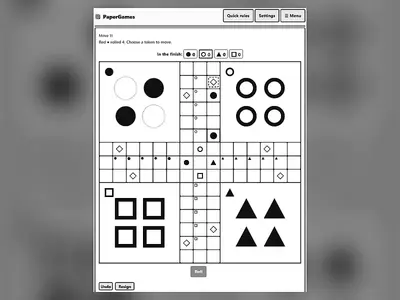
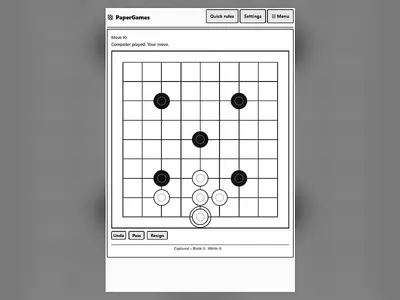
Most FreezeNova games are solo, but a good number support two people on one device. Board games like Checkers, Four in a Row, Mancala and Gomoku let friends take turns on the same screen, and Ludo can seat several players with the computer filling empty seats. It’s the easiest way to play together: no invites, no friend codes, no accounts.
Phones, Tablets and Chromebooks
Every game page carries a device label so you know what to expect before pressing play. “Touch friendly” games were checked with swipe and tap input on a small screen. “Partly touch friendly” means it works but feels better with a keyboard. “Needs keyboard or mouse” means the game really depends on keys, as typing and roguelike games do.
Chromebooks are a natural fit for FreezeNova because nothing has to be installed. Any up-to-date version of Chrome, Edge, Firefox or Safari will do. If a 3D game such as Red Rock Descent feels sluggish, close other heavy tabs first so the game gets the full graphics budget.
Safe Breaks for Students
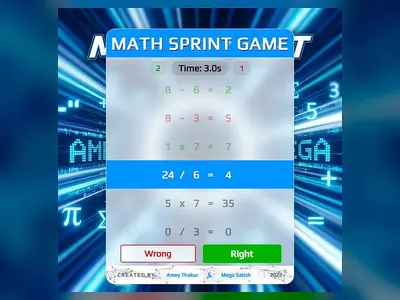
FreezeNova suits short breaks between classes or after homework. None of the games include chat, purchases, accounts or realistic violence. Several of them quietly build useful skills: Typer Defense trains fast, accurate typing, Math Sprint drills mental arithmetic, Tower of Hanoi teaches recursive thinking, and Learn Git Branching is a genuinely useful introduction to version control.
We’d still ask students to put class first. FreezeNova is for free time, and a game will wait until the bell rings.
Privacy in Plain Words
You never sign up on FreezeNova. Scores and saves live in your own browser’s storage, never on our server, and you can wipe them at any time by clearing site data. Our privacy policy explains the details without legal fog.
Thanks to the Makers
FreezeNova exists because developers, artists and musicians chose to share their games openly. Many started life as game-jam entries or weekend experiments. We keep every author’s name, credit screen and license file intact. If you made one of these games and want something changed, the DMCA and copyright page explains how to reach us, or just say hello through the contact page.
FreezeNova FAQ
What is FreezeNova?
FreezeNova is a free website for unblocked browser games at freezexnova.com. It hosts more than 170 open-source HTML5 games on its own server, so you can play puzzles, card and board games, racing, sports and action games without downloads or accounts.
Is FreezeNova free?
Yes. Every game on FreezeNova is free to play. There is no subscription, no premium tier, no in-game shop and no account to create. You open a page, press play and the game starts.
Why are FreezeNova games called unblocked?
All game files are stored on freezexnova.com instead of being pulled from big game portals or ad networks, so filters that only block those services leave FreezeNova games working. A network that blocks gaming sites as a whole can still block us, and its rules should be respected.
Does FreezeNova work on a school Chromebook?
FreezeNova games run inside the browser and need no installation, plugins or admin rights, which is why they suit managed Chromebooks. Whether a school network allows the site is up to that school.
Can I play FreezeNova games on my phone?
Many of them. Games marked "Touch friendly" have swipe or tap controls that were checked on a phone-sized screen. Games marked "Needs keyboard or mouse" are better on a laptop or Chromebook.
Does FreezeNova save my progress?
Plenty of games keep your best score or current run in your browser's local storage. That save stays on the device and browser you used and disappears if you clear site data or play in a private window.
How do I report a broken game or suggest a new one?
Use the "Report bug" button under any game, or write to us through the contact page. Suggestions are welcome as long as the game's code and art are both released under an open license.