OnOff Unblocked
Two layers, one key to swap them, and a star at the end of every screen.
What is OnOff?
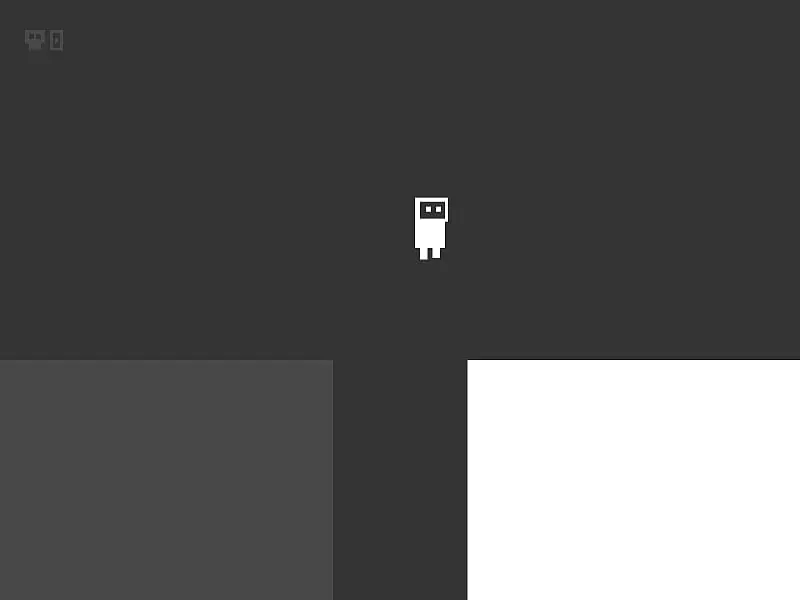
OnOff is a two-tone puzzle platformer. Platforms belong to either a dark layer or a light layer, and only one of them exists at any moment. A single key swaps them, often mid-jump, to guide a robot to the star on each of 25 levels. A built-in editor lets you design your own stages.
- Category
- Adventure Games
- Players
- 1 player
- Plays on
- Desktop / Chromebook
- Input
- Keyboard, Gamepad, Mouse
- Checked
OnOff turns one button into the whole puzzle. Every platform in this tidy platformer belongs to either the dark world or the light world, and only one of them is solid at any moment. Press Space and they trade places, so a floor can vanish under your feet or a bridge can appear across a gap you could never jump. OnOff comes from Daniel Marino and Brad Dunbar, who built it for js13k 2018 with sharp SVG shapes and a bouncy chiptune score. It runs unblocked in your browser with a keyboard or gamepad.
Two Worlds on One Screen
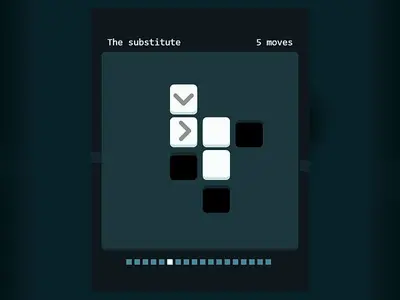
Each level fits on a single screen, with a star to reach. Reach the star and the next stage loads instantly. The active layer is drawn solid, while the other shows only as a pale ghost you pass right through.
That is the core trick. A wall blocking your path may belong to the layer you can switch off. A pit with no floor might hide a ledge that appears after a flip. Most levels ask you to flip at least once in mid-air.
The robot breaks into pieces if it falls out of the level, lands on live spikes, or is inside a block when that block becomes solid. You restart the level at once, with unlimited attempts. Two counters in the corner track cleared levels and deaths.
OnOff controls
| To do this | Keyboard | Mouse |
|---|---|---|
| Run left or right | A / D or Left / Right arrows | — |
| Hop | W or Up arrow | — |
| Swap the solid layer | Space | — |
| Move through menus and confirm | Up / Down arrows, then Enter | — |
| Exit a custom stage | Escape | — |
| Build in the editor | P places a platform, S + U/D/L/R places spikes, G plays the stage | Drag to move or resize, double-click to swap its layer, Shift + click to remove |
Habits That Clear Levels Faster
- Study the outlines first. Before you move, trace a route through both layers. The faint shapes are half of the level.
- Jump, then flip. Swapping at the top of a jump is the safest moment, because you are usually clear of every block.
- Fall on purpose. In levels where floors from each layer stack up, switch to drop through the one you stand on and switch back to catch the lower floor.
- Treat spikes as switchable. Spikes only hurt when their layer is active. One press can make a deadly row safe to walk on.
- Take off from the edge. The jump height and distance are fixed and short. Leaving from the very lip of a platform buys the extra width you need.
Make Your Own Stages
The editor, reached from the main menu, is a real bonus. Drop platforms, resize them by dragging, double-click to move a piece to the other layer and add spikes in any direction. A help panel lists every key, and you can test a stage instantly. It is a fun way to understand how the original levels were designed.
If quick, clever platforming is your thing, also try Little Platformer, and see the puzzle games section for more brain-bending stages.
OnOff: questions players ask
How many levels does OnOff have?
There are 25 built-in levels, starting with simple hops and ending with stacked layers and spike puzzles. A congratulations screen appears after the last one, and the editor lets you make as many more as you like.
Can I play OnOff with a controller?
Yes. The first gamepad you connect is detected. Use the D-pad to run, the lower face button to hop and the right-hand face button to flip layers. The title menu has a controls screen with the full layout.
Why does my robot explode when I switch?
If a block on the newly solid layer appears exactly where the robot is, it gets crushed, sending you back to the level's start. Make sure nothing on the other layer overlaps your robot before pressing Space.
Will OnOff run on an iPad?
Not really. The game draws no touch buttons, so a keyboard or controller is required. On a laptop or Chromebook it runs fine in the browser.
Credits and license
OnOff was created by Daniel Marino and Brad Dunbar and released as open source. FreezeNova hosts a lightly adapted copy on its own server, together with the original license file.
- Source code: github.com/starzonmyarmz (original project)
- Code license: MIT
- Art & audio: MIT (SVG shapes drawn in code; music and effects played through the MIT TinyMusic library)
- Our changes: We gave the page a title and made the music and sound start with your first key press or click. The levels and gameplay are as the authors made them.